

EPOMAKER 11.11 deals are worth approaching with a shortlist. A discounted magnetic gaming keyboard solves a different problem from a quiet wireless board with a numpad, even when both appear in the same sale. We have picked seven models with existing MechanicalKeyboard.net reviews so you can read beyond the product listing before buying.
- EPOMAKER 11.11 deals: what is confirmed?
- Which EPOMAKER keyboard should you look at first?
- TH80 V2 Pro: a compact wireless option
- TH99 Pro: keep the numpad and choose your switches
- HE68 Lite: a small wired gaming shortlist
- HE80: magnetic gaming with more dedicated keys
- Galaxy100 Lite: the aluminium option with a numpad
- LUMA100: choose it for the lower profile
- AULA F75: the familiar 75% wireless alternative
- Bundles, store credit and the real cost
- EPOMAKER 11.11 questions
Sale timing: The main 11.11 sale runs October 31–November 15, 2026, in GMT+8. The sale is now underway. Prices below are the USD amounts displayed on the selected official product listings when checked on November 1, before shipping and taxes; configurations can differ. Check your chosen colour, switches, stock and delivery region.
Disclosure: Some retailer links on this site may earn us a commission at no extra cost to you. Recommendations link to our existing reviews. Retailer offers and availability can change.
EPOMAKER 11.11 deals: what is confirmed?
EPOMAKER advertises 15% off most products, larger reductions on selected older models and clearance, and separate bundles. The headline maximum discount does not apply to every keyboard. Spend & Save runs November 6–13, offering $10 off $80, $20 off $120 or $40 off $240 on eligible orders. Only one discount code or Spend & Save offer applies per order. Bundles and mystery boxes have separate exclusions.
See the official EPOMAKER 11.11 campaign and terms before paying. This guide covers 11.11; it does not claim that these are confirmed Black Friday offers.
Which EPOMAKER keyboard should you look at first?
| Keyboard | Why shortlist it | Main buying check |
|---|---|---|
| TH80 V2 Pro | Compact wireless typing setup | Choose the exact switch and colour variant |
| TH99 Pro | Office work with a numpad | Choose silent switches if noise matters |
| HE68 Lite | Small wired magnetic gaming board | No wireless mode or dedicated function row |
| HE80 | Magnetic gaming with a function row | Check its exact gaming and software requirements |
| Galaxy100 Lite | Larger aluminium board | Do not confuse it with Galaxy100 QMK/VIA |
| LUMA100 | Low-profile typing with a numpad | Low-profile switch compatibility matters |
| AULA F75 | Conventional budget 75% wireless board | Original, Max, Wired and Ultra are different products |
TH80 V2 Pro: a compact wireless option
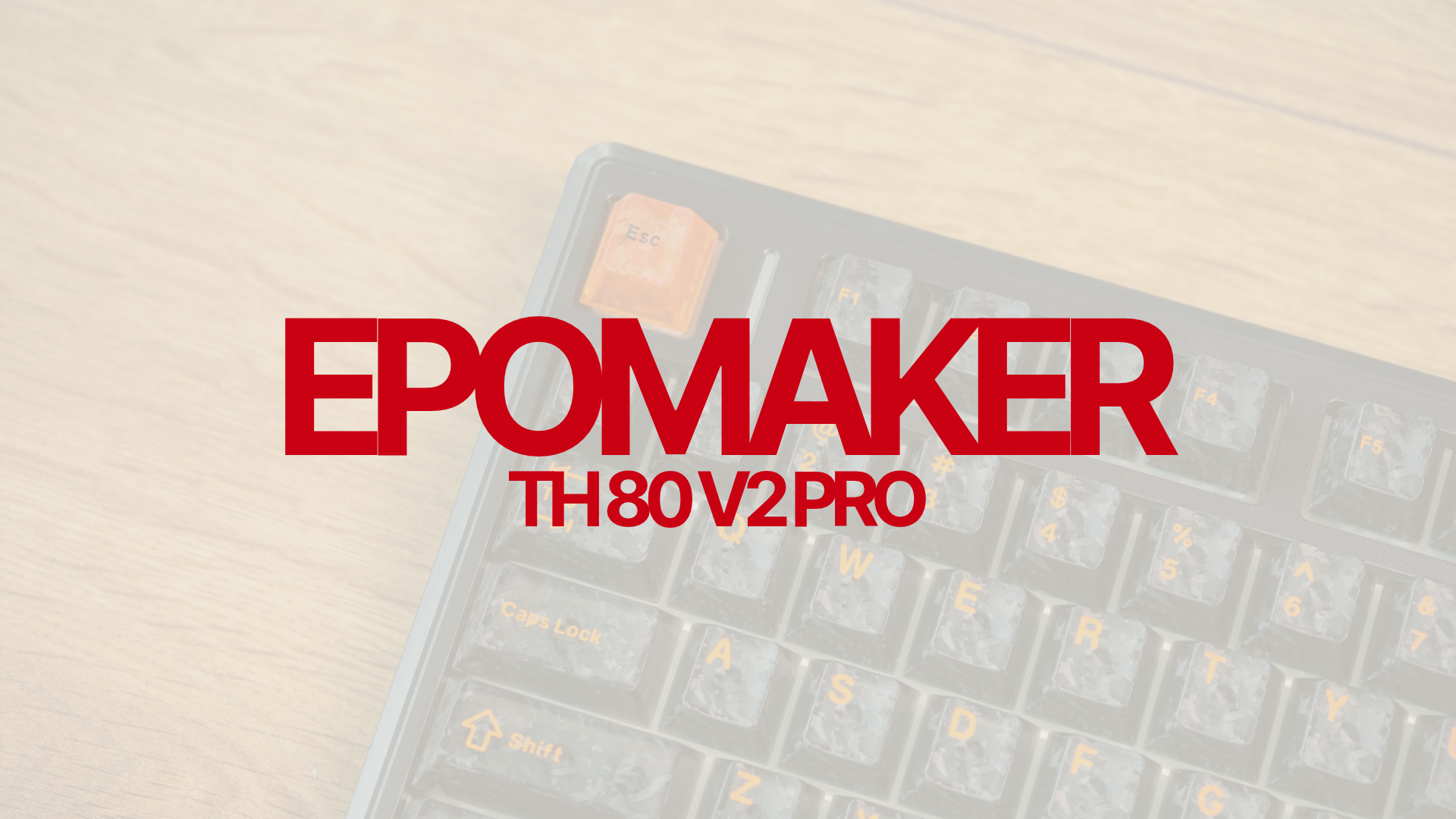
EPOMAKER TH80 V2 Pro
75% layout, tri-mode connectivity, screen and knob, with a 10,000mAh battery. Official listing checked November 1: $66.29 for the displayed configuration.
Start here if you want a smaller keyboard while keeping the function row and arrow keys. The screen and large battery give it a different appeal from a basic wired board. The decision is less about collecting features and more about whether you will use wireless switching and battery status every day.
Its plastic case and proprietary configuration software may matter more to you than the display. If open-source firmware is a requirement, check that before comparing prices. Our TH80 V2 Pro review covers the naming differences and the compromises in more detail.
TH99 Pro: keep the numpad and choose your switches
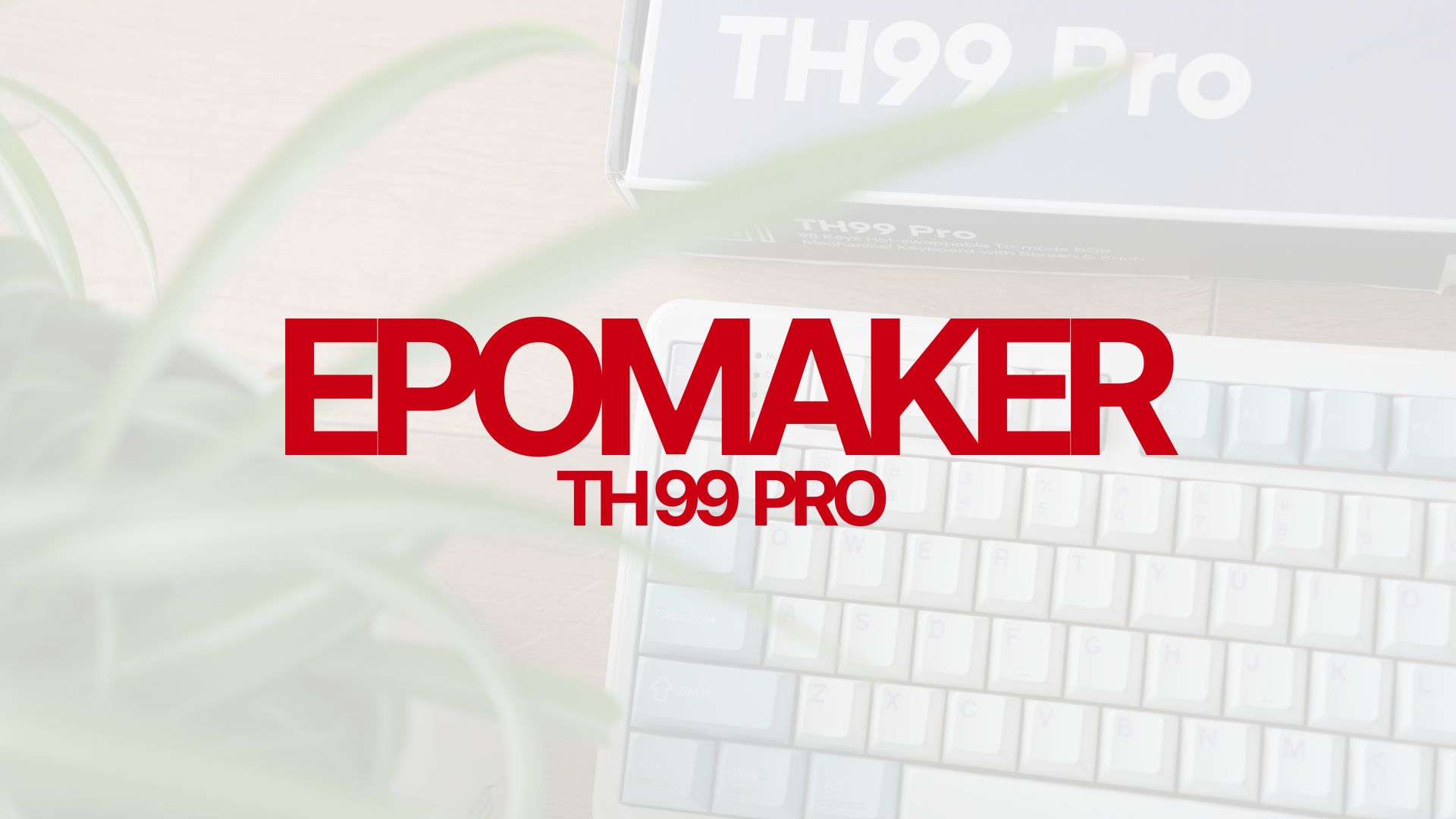
EPOMAKER TH99 Pro
Compact 96% layout with a numpad, tri-mode wireless and a display. Sea Salt Silent V2 and Creamy Jade configurations are listed separately.
The TH99 Pro makes more sense than the TH80 if spreadsheets and number entry are part of your day. A compact numpad layout reduces some spacing between clusters, so it is worth looking at the key arrangement rather than assuming it feels like a traditional full-size keyboard.
For a shared office, select the Sea Salt Silent V2 configuration deliberately. A photograph of the same case does not tell you which switches are fitted. Read our TH99 Pro review for the office-focused assessment. The displayed $74.79 price is not a guarantee for every configuration.
HE68 Lite: a small wired gaming shortlist
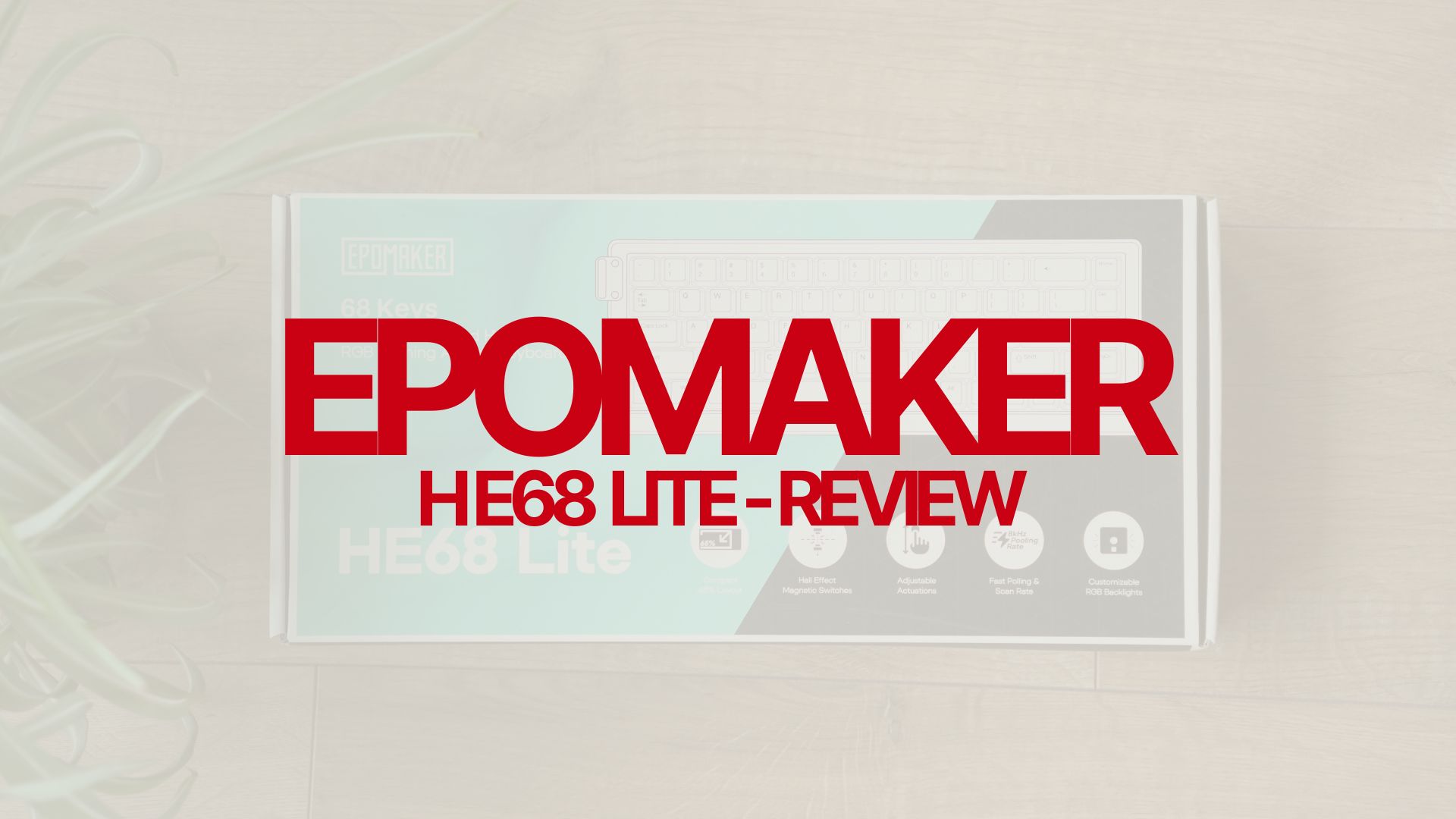
EPOMAKER HE68 Lite
65% wired Hall Effect keyboard with 68 keys, adjustable actuation and rapid trigger. Manufacturer-listed polling rate up to 8000Hz.
The HE68 Lite is the shortlist option for someone who wants to explore magnetic gaming features without buying a larger board. Its wired-only design is the first trade-off to understand. It also moves function-row commands onto a layer. If those are acceptable, its compact footprint leaves more room for the mouse.
An 8000Hz polling specification is not a measurement of complete input latency. We would not turn it into a performance promise in a deal recommendation. Our HE68 Lite review is the next stop, alongside our magnetic switch compatibility guide if you plan to change switches.
HE80: magnetic gaming with more dedicated keys

EPOMAKER HE80
75% Hall Effect alternative for buyers who want a dedicated function row. Check the selected model and final offer before ordering.
Consider the HE80 alongside the HE68 Lite if you regularly use function keys for work or games. The extra keys are a practical reason to pay more; the bigger model is not automatically the right choice just because it costs more. Compare the full delivered price and the layout you will actually use.
Read our EPOMAKER HE80 review before deciding. For a broader layout comparison, our 65% versus 75% guide explains the everyday differences.
Galaxy100 Lite: the aluminium option with a numpad
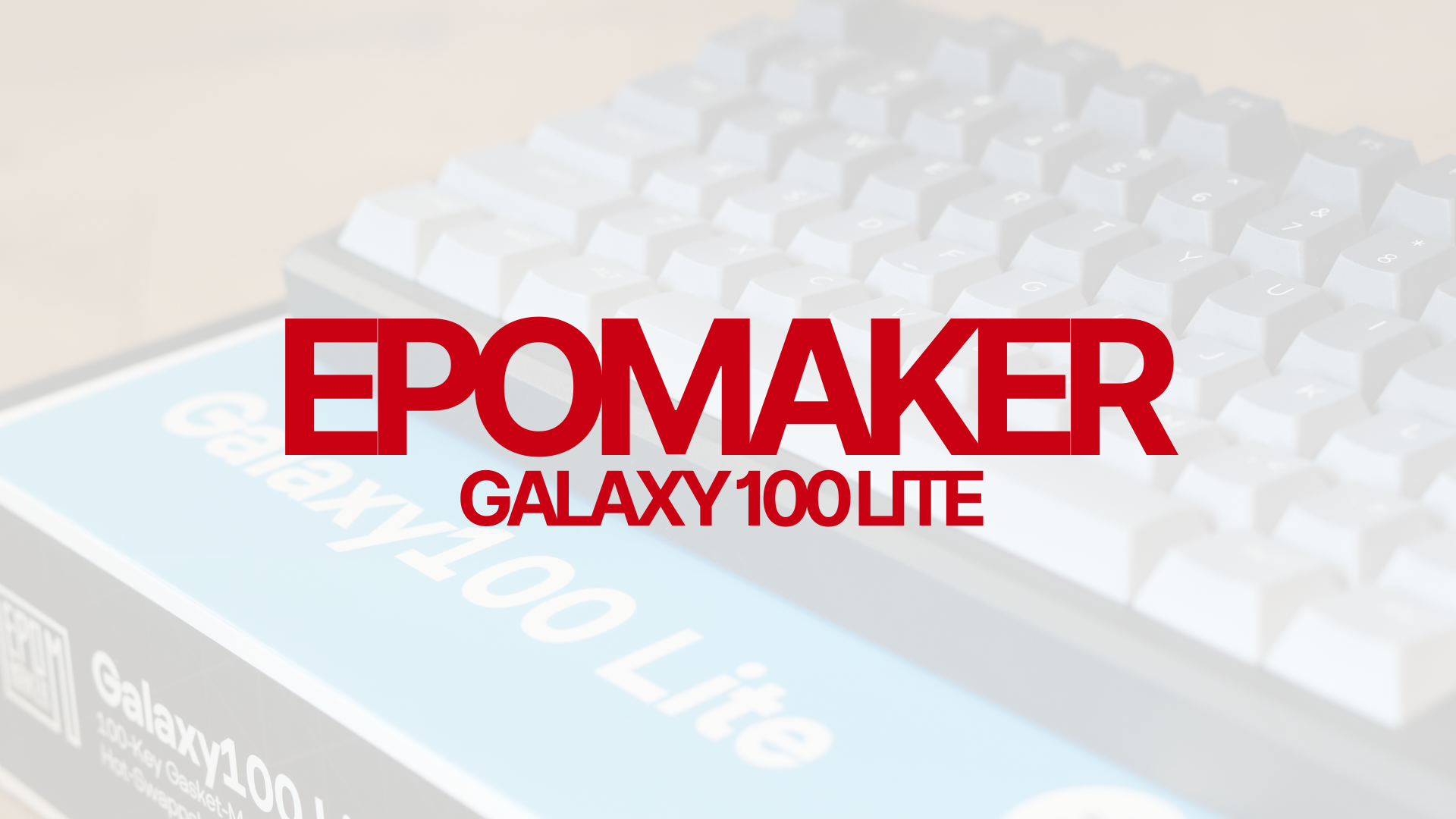
EPOMAKER Galaxy100 Lite
A larger-layout alternative with a metal case and numpad. Selected listing marked preorder on November 1; confirm dispatch timing.
The Galaxy100 Lite belongs on a different shortlist from the small gaming boards. It is for a desk where a numpad and the case material matter more than saving every centimetre of space. Think about how often you reach for the mouse and how much width you can comfortably give the keyboard.
Our Galaxy100 Lite review covers the reviewed configuration. Match the Lite model exactly: a Galaxy100 QMK/VIA bundle should not be treated as an offer for the same keyboard.
LUMA100: choose it for the lower profile
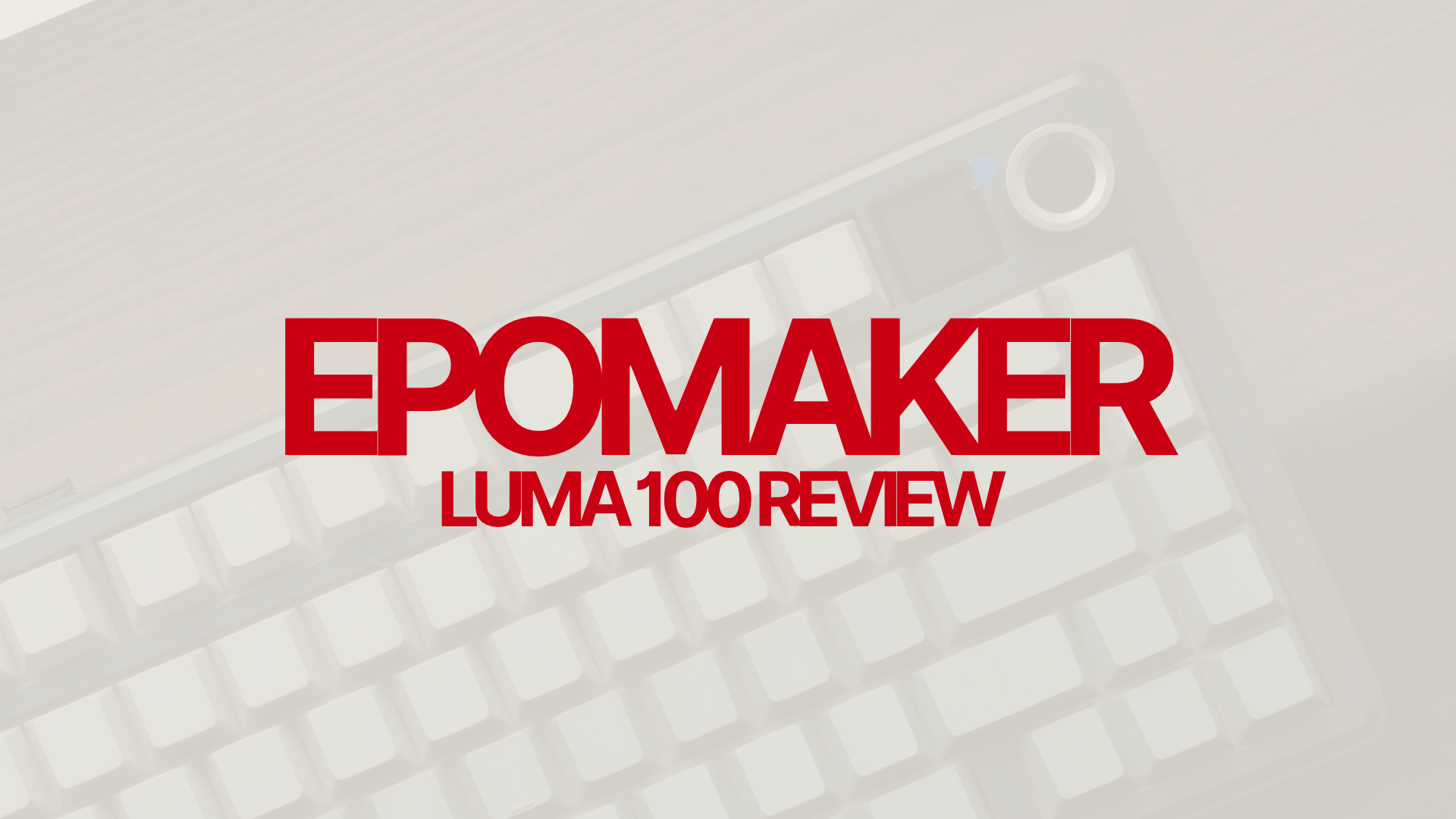
EPOMAKER LUMA100
Low-profile alternative with number keys for buyers who prefer a slimmer typing surface. Check the current listing and switch configuration.
The LUMA100 is worth comparing if the height of a standard mechanical keyboard bothers you. That is a different reason to buy from wanting rapid trigger, a screen or a larger battery. A lower board can change how your hands approach the keys, but comfort still depends on your desk, chair and typing habits.
Check replacement switch and keycap compatibility before ordering accessories. A low-profile keyboard is not a shortcut to using any standard MX set. Our LUMA100 review discusses the layout and typing trade-offs.
AULA F75: the familiar 75% wireless alternative
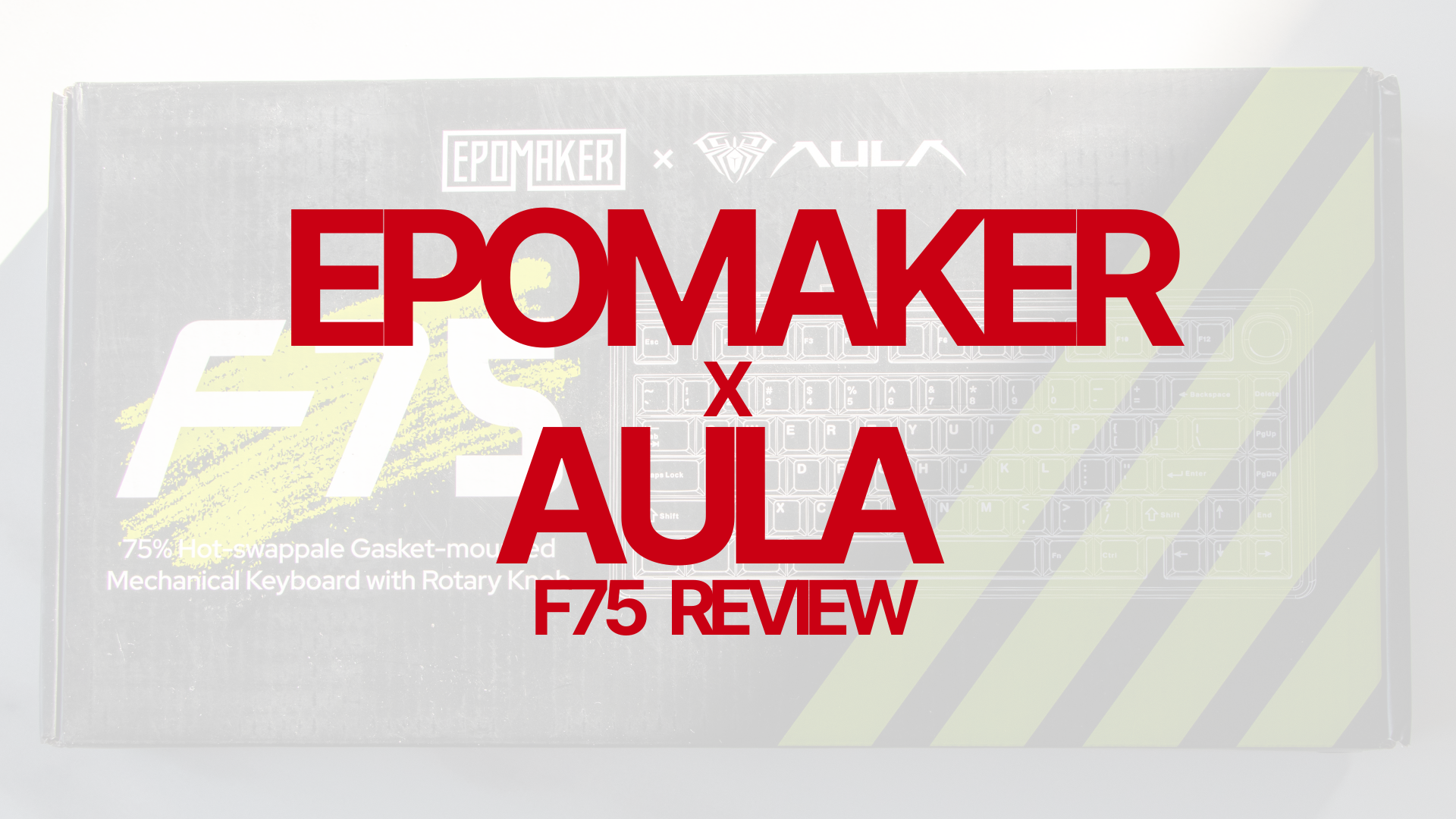
EPOMAKER AULA F75
A conventional 75% mechanical keyboard with wireless connectivity. Match the original F75 to the reviewed configuration; other F75 versions differ.
The F75 is the straightforward comparison for someone who wants a function row, arrows and a volume knob without choosing a magnetic board. Compare its final price against the TH80 V2 Pro rather than deciding on the headline discount alone. A larger percentage off an expensive variant can still leave it costing more than the keyboard you actually need.
Use our EPOMAKER x AULA F75 review to check the tested version, and the AULA F75 shortcut guide for daily controls. Do not assume the Max, Wired or Ultra has identical software or hardware.
Bundles, store credit and the real cost
A bundle only saves money if you want both items. Price the keyboard alone first, then ask whether the extra switches, mouse or keycaps are useful and compatible. A spare accessory that stays in its box is not a reason to move up a spending tier.
Last Call on November 14–15 offers 10% back in store credit on qualifying orders of $150 or more, capped at $100. This is credit for a later purchase, not a cash refund or an immediate reduction. Credit Boost pass sales have ended. Existing pass holders receive early Spend & Save access from October 31; public access begins November 6. Reservation offers have separate eligibility and deadlines.
Keep the storefront consistent when comparing totals. EPOMAKER website promotions should not be assumed to apply on Amazon. Include shipping, tax and your selected configuration, and check the seller and return terms rather than comparing only the number beside the product image.
EPOMAKER 11.11 questions
Are these already the discounted prices? The sale is underway. Numeric card prices reflect the selected official listings checked on November 1; use the retailer buttons to confirm your variant and final checkout total.
Which keyboard would we compare first? TH80 V2 Pro and AULA F75 for conventional compact wireless use; TH99 Pro for a numpad and a silent-switch option; HE68 Lite and HE80 for magnetic gaming. Start with your layout and noise requirements.
Should I wait for Black Friday? We have not verified EPOMAKER’s 2026 Black Friday offers. Compare any confirmed 11.11 offer against your budget rather than assuming a later sale will necessarily be better.
How were these products selected? They appear in the official campaign catalogue and already have reviews on MechanicalKeyboard.net. This roundup adds buying context; it does not introduce new hands-on testing or new review scores.
Campaign and product listings checked November 1, 2026. Campaign information comes from EPOMAKER’s official sale page; product context links to our existing reviews. Recheck prices, dates and exclusions before ordering.