


Keyboard Polling Rate Test - Check Your Keyboard Hz Online

Measure your keyboard’s true polling rate with interval clustering analysis. Pro Mode detects up to 8000Hz. Free, no install, works in any browser.

8K

Max Detection

<1ms

Timing Precision

3

Test Modes

10s

Test Duration

Pro Mode ⚡ Alternating keys · Gold standard
Standard Single key rapid tap
Sustain Hold key · Repeat rate

Alternate tapping A and D as fast as possible

What is keyboard polling rate?

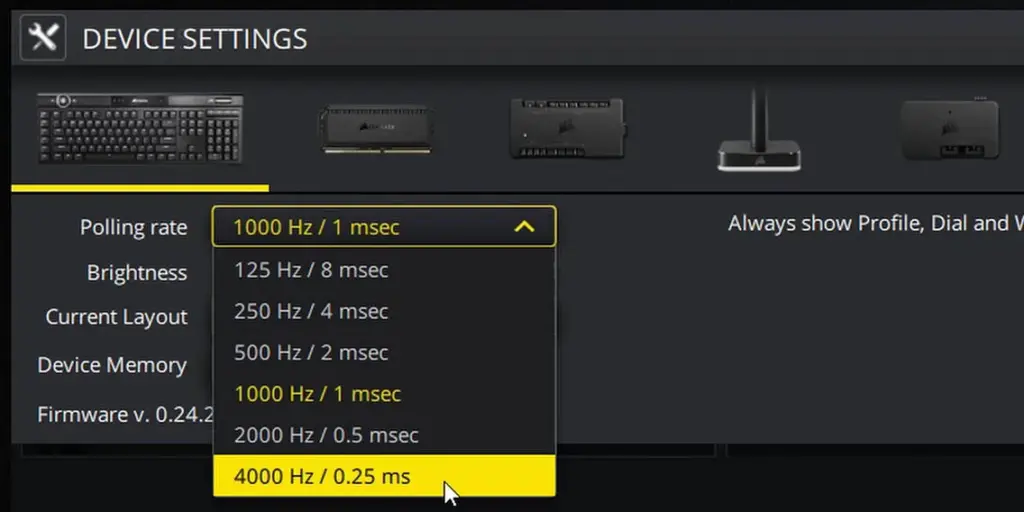
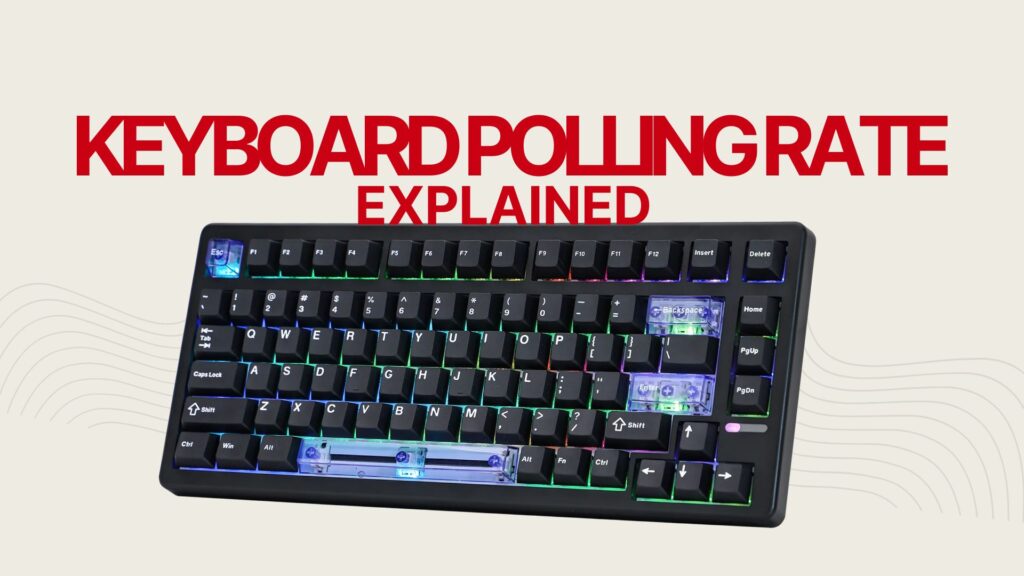
A keyboard’s polling rate is how many times per second your computer asks the keyboard “any new keys pressed?” measured in Hz. A 1000Hz keyboard reports 1,000 times per second. Higher polling rate means lower input lag.

How to Test Your Keyboard Polling Rate?

1

Choose a Mode

Pro Mode for best accuracy, Standard for simple tap test, Sustain for repeat rate

2

Tap the Keys

Follow the on-screen prompts. Tap as fast and consistently as possible

3

Read Your Results

Instant Hz, grade (S-F), stability score, and comparison to reference rates

How Interval Clustering Works?

Unlike simple tap counters (which fail when human speed caps at ~15Hz), this tool uses phase-alignment scoring. It tests your event timestamps against seven candidate polling rates 125Hz through 8000Hz  and finds which interval best explains the gaps between your key events.

Think of it like photographing a spinning roulette wheel at random moments. Your photo timing is random, but the wheel’s spoke pattern reveals its true speed. The algorithm does the same with keyboard timestamps  the polling rate “spokes” emerge from the noise of human tapping.

Polling Rate Reference Table

Polling RateIntervalLatencyGamingTypingBest For
125 Hz8 msNoticeablePoorAdequateOffice, Bluetooth keyboards
250 Hz4 msSlightFairGoodCasual gaming, budget
500 Hz2 msMinimalGoodExcellentCompetitive gaming entry
1000 Hz1 msNear-zeroExcellentOverkillEsports, custom mech keyboards
4000 Hz0.25 msImperceptibleProOverkillPro esports, Hall Effect
8000 Hz0.125 msImperceptibleEliteOverkillKeychron Q HE, Wooting 80HE

Latency values are theoretical minimums. Real-world latency includes scan rate, debounce, and USB overhead.

Related Articles

Best Hall Effect Keyboard 2026: Wooting & Top Alternatives Tested

Hall Effect keyboards have quickly become one of the most important gaming…

By
30 Min Read

TMR vs Hall Effect Keyboards: What’s the Difference? (2026)

If you have been shopping for a gaming keyboard in 2026, you…

By
10 Min Read

Thocky Keyboard: What It Is, How It Sounds, and Why People Chase It

You keep hearing the word thocky. You have watched the sound test…

By
25 Min Read